
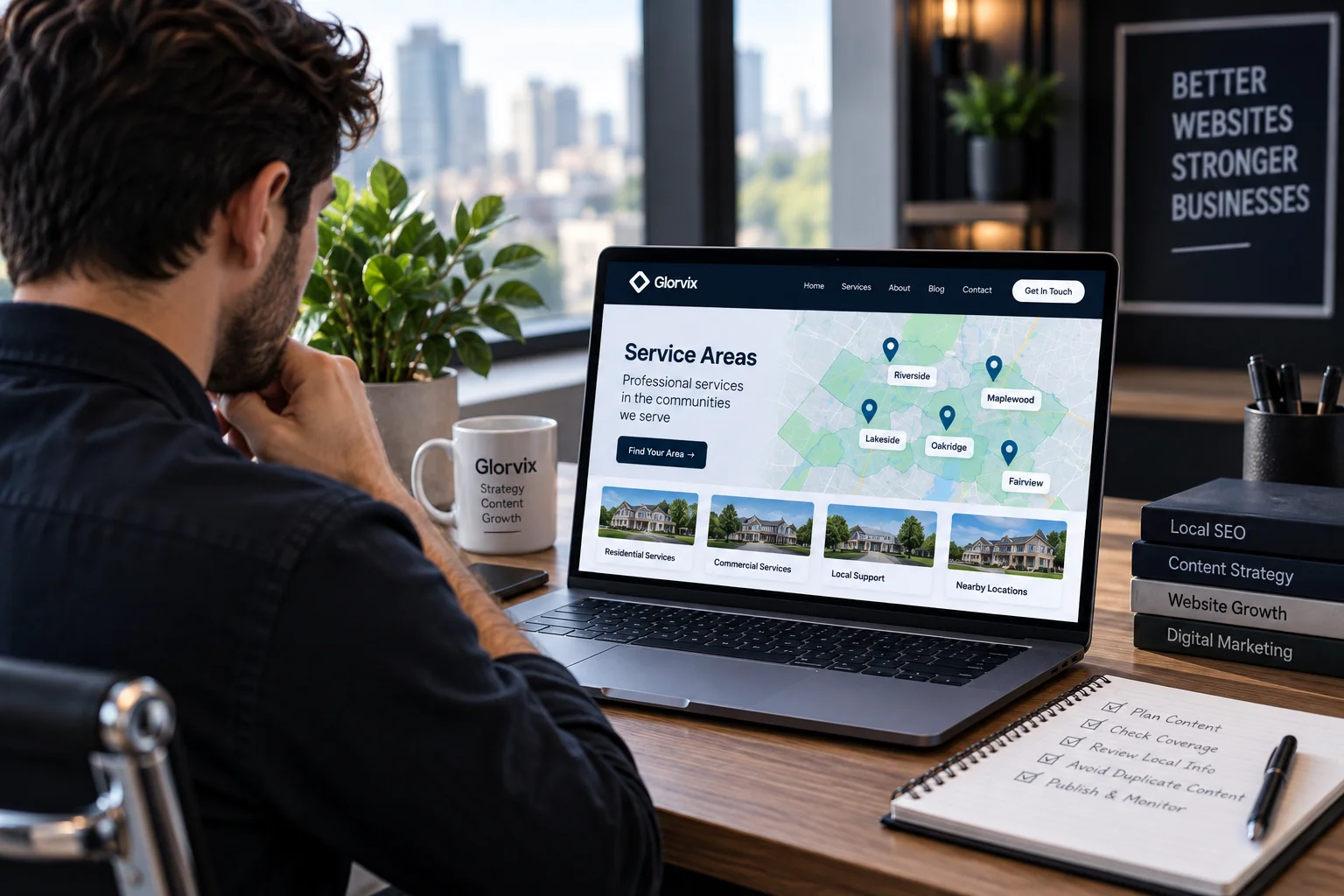
Service area pages can help customers confirm whether a business serves their location, but a separate page for every city is not automatically useful. A dedicated location page makes sense when it answers questions that matter to customers in that area and provides enough distinct value to justify its own URL.
The problem is not that some information appears on more than one page. A business name, contact details, core service descriptions, policies, and other facts may naturally repeat.
Problems begin when a website publishes many substantially similar pages, changes little more than the location name, and uses those pages mainly to target closely related geographic searches.
Google notes that some duplicate content is normal and does not by itself violate its spam policies. Google separately identifies multiple pages targeted at specific cities or regions that funnel users toward one destination as an example of doorway abuse.
The practical test is therefore straightforward: each separate service area page should have a separate reason to exist.
What Is a Service Area Page?
A service area page explains that a business provides a particular service within a defined geographic area such as a city, town, neighborhood, county, or another area it genuinely serves.
For example, a plumbing company based in one city may also work in several nearby communities. Its main plumbing page can explain the service generally. A separate city page becomes useful only when customers in that city need additional information about coverage, available services, scheduling, restrictions, or other real differences.
A useful page should help answer questions such as:
- Does this business actually serve my area?
- Which services are available here?
- Are any services unavailable or limited in this location?
- Which nearby areas are included in the same coverage?
- Is there anything location-specific I should know before contacting the business?
- What is the next step if I need the service here?
The page should help a prospective customer make a decision. It should not exist simply to create another URL containing a city name.
Service Area Page vs. Location Page
A service area page and a physical location page are not necessarily the same thing.
| Page type | Purpose |
| Service area page | Explains services available in an area where the business may not have a physical office |
| Physical location page | Represents an actual office, shop, clinic, branch, or other customer-facing location |
| Main service page | Explains a service without focusing on one particular location |
| Service-area overview | Covers several areas on one page instead of creating a separate URL for each |
A business should not describe a service area as a branch, office, storefront, or physical location unless that location genuinely exists.
That distinction also matters for Google Business Profile. Google’s business representation guidelines require businesses to use real-world locations accurately. A rented mailing address where the business does not operate is not eligible simply because it can receive mail, and co-working locations have additional requirements before they can qualify as business locations.
Should Every City Have Its Own Page?
No.
There is no general SEO requirement to create a separate webpage for every city a business serves.
The correct question is whether customers in that location need enough distinct information to justify a dedicated page.
Use these questions before creating one:
| Question | If yes | If no |
| Does the business genuinely serve the area? | Continue evaluating | Do not create the page |
| Is there useful information specific to the area? | A separate page may make sense | A broader page may be enough |
| Does the page answer something the main service page does not? | Continue evaluating | Consider combining the content |
| Would local customers benefit from the difference? | Dedicated coverage may help | A separate URL may add little value |
| Can the information be kept accurate? | The page may be sustainable | Avoid unnecessary maintenance |
| Would useful content remain if repeated city references were removed? | Stronger justification | Reconsider the page |
A useful final test is to mentally remove the location name.
If almost everything left on the page could be copied unchanged to many other cities, there may not be enough location-specific value to justify separate URLs. Deciding which locations deserve separate URLs is part of the site’s broader SEO strategy, because each page should have a clear purpose before it is created.
Duplicate Content and Doorway Pages Are Different Problems
Duplicate content and doorway abuse should not be treated as the same issue.
Google may encounter duplicate or highly similar URLs for many legitimate reasons. Through canonicalization, Google attempts to choose a representative URL from a set of duplicate or near-duplicate pages.
That does not mean every repeated paragraph is harmful.
Doorway abuse concerns a different pattern. Google describes it as creating pages or sites for specific, similar searches that lead users through intermediate pages that are less useful than the final destination. Google’s examples include pages targeted at different regions or cities that funnel users toward one place.
So the useful question is not:
“Did we rewrite every sentence?”
It is:
“Does this page provide a useful experience for someone interested in this particular area?”
Replacing words with synonyms does not create meaningful local value.
What Can Stay the Same Across Service Area Pages?
Some information should remain consistent when the underlying facts are the same.
This may include:
- company name;
- telephone number and contact details;
- factual service terminology;
- business policies;
- standard processes;
- warranties that genuinely apply everywhere;
- business hours where they are the same;
- company information that does not change by location.
Artificially rewriting factual information only to make pages look different does not improve their usefulness.
The important differences should come from information that genuinely changes by location or matters specifically to customers there.
What Can Make a Service Area Page Worth Keeping?
The answer depends on the business.
Useful location-specific information may include:
- which services are available in the area;
- genuine limits on service availability;
- appointment or travel arrangements;
- neighborhoods or communities actually covered;
- service restrictions that apply to that area;
- verified requirements that materially affect the work;
- documented projects completed there;
- genuine customer feedback attributable to the area;
- practical details customers need before requesting service.
None of these elements should be invented simply to make a page appear more local.
Do not manufacture:
- offices;
- addresses;
- projects;
- customers;
- reviews;
- staff members;
- partnerships;
- statistics;
- photographs;
- certifications;
- local experience the business does not have.
A concise page based on real information is better than a long page padded with fictional local details.
A Practical Structure for a Service Area Page
There is no mandatory template, but the page should answer the customer’s questions in a sensible order.
Start With a Direct Answer
Tell the reader immediately whether the business serves the area and what relevant service is available.
For example:
Hypothetical example: A residential heating company provides heating repair and scheduled maintenance to customers in Area A as part of its normal coverage.
This is only an illustration. It does not describe a real company, customer, or project.
There is no need to add unsupported claims such as “best,” “number one,” or “leading.”
Explain What Is Actually Available
Describe the services that customers in the location can request.
If every company-wide service is available there, that can be stated accurately.
If availability differs, explain the difference instead of copying the complete general service list.
Define the Real Coverage
A person may search using the nearest city while living in an adjacent neighborhood or surrounding community.
Where useful, clarify the genuine coverage area.
Neighborhoods, postal areas, districts, and nearby communities can be mentioned when they are actually served. Avoid adding long lists of place names only to capture additional searches.
Include Local Information When It Changes the Decision
Local details should help someone understand the service.
A home-service business may need to explain scheduling or travel coverage.
A contractor may need to discuss a verified local requirement when it materially affects the work.
Another business may have genuine service restrictions in a particular area.
A remote professional service, however, may have almost no meaningful difference between one city and another. In that case, creating individual city pages may add little value.
The objective is not to make a generic page look local. It is to answer questions that genuinely change because of the location.
Add Evidence Only When It Exists
Useful evidence may include:
- a documented project completed in the area;
- an authentic photograph from work performed there;
- a genuine customer review attributable to the location;
- a verifiable local partnership;
- an accurate example of work provided there.
None of these is required.
If genuine local evidence does not exist, leave the section out.
A missing case study is better than an invented one.
Make the Next Step Clear
The page should tell a visitor what they can do next.
Depending on the business, that may be:
- checking availability;
- requesting a quote;
- booking an appointment;
- contacting the company;
- reading the main service page;
- reviewing service requirements.
The call to action should correspond to something the business actually provides.
Hypothetical Example: Three Areas, Two Different Decisions
Consider a fictional plumbing business serving Area A, Area B, and Area C.
Weak Approach
It publishes:
- Plumber in Area A
- Plumber in Area B
- Plumber in Area C
Every page contains the same introduction, services, photographs, FAQs, claims, and contact section.
Only the area name changes.
Those URLs provide little additional information for customers in the different locations.
Better Approach
The business first checks whether the locations actually require different explanations.
Suppose Area A and Area B receive exactly the same services under the same arrangements, and there is no useful local information that distinguishes them.
A single service-area overview may explain both areas more clearly.
Area C, however, has a genuine service limitation or different appointment arrangement that customers need to know before making contact.
That difference may justify a separate Area C page.
The deciding factor is not word count.
It is whether the separate page performs a useful job.
Common Service Area Page Mistakes
Changing Only the Location Name
Changing:
“We provide plumbing services in Area A.”
to:
“We provide plumbing services in Area B.”
does not create a meaningfully different page.
If the services, examples, FAQs, images, claims, and next steps remain the same, changing the place name adds little independent value.
Creating Pages for Places the Business Does Not Serve
Keyword demand does not establish business coverage.
Do not create a location page simply because a keyword tool reports searches for that area.
A service area page should represent where the business can actually serve customers.
Presenting a Service Area as a Physical Office
Serving customers in a city does not mean a business has an office there.
Do not describe a mailbox, virtual address, occasional meeting space, residential address, or nonexistent branch as a staffed local office unless the representation is accurate.
Google’s rules for service-area businesses distinguish between businesses that travel to customers and businesses that serve customers at a physical location.
Website copy should make the same distinction honestly.
Inventing Projects, Customers, or Reviews
A fictional project does not become factual because it is called a case study.
Do not invent:
- completed jobs;
- customer names;
- testimonials;
- local partnerships;
- photographs;
- project counts;
- local credentials.
If proof is unavailable, explain the service without pretending otherwise.
Creating a Page for Every ZIP Code
ZIP-code pages are not inherently wrong.
They may be useful when service coverage genuinely follows those areas and each page provides information customers need.
The weak pattern is creating dozens or hundreds of near-identical URLs where the ZIP code is the only meaningful difference.
Page count should follow useful distinctions in the business, not the number of geographic keyword combinations that can be generated.
Using Synonyms to Disguise the Same Page
Changing “fast” to “quick,” rearranging paragraphs, or rotating adjectives does not create a new purpose.
Meaningful differentiation comes from meaningful information.
Repeating the City in Every Heading
The location may naturally appear in the page title, H1, opening, and relevant sections.
It does not need to be repeated mechanically.
A page usually does not need headings such as:
- Plumbing Services in Area A
- Emergency Plumbing in Area A
- Why Choose Our Area A Plumbers
- Area A Plumbing FAQs
when simpler headings communicate the same ideas more clearly.
How Canonical Tags Fit Into the Decision
Canonical tags do not turn weak location pages into strong ones.
When Google finds duplicate or highly similar URLs, canonicalization is the process it uses to select a representative version.
Site owners can provide canonical signals, but Google can choose a different URL when its systems consider another page more representative.
If two service area URLs are essentially duplicates and there is no useful reason for both to exist independently, consolidation may be more appropriate than trying to preserve both.
If pages are supposed to remain independent, their purpose and content should genuinely distinguish them.
Google’s troubleshooting documentation specifically advises making pages in a duplicate cluster clearly and significantly different when they are intended to be treated separately.
Canonical tags should also be checked alongside redirects, indexability, sitemaps, and crawl access during a technical SEO audit.
How Service Area Pages Should Fit Into the Website
A service area page should not sit on the site as an isolated search landing page.
It should have a logical relationship with the services the business actually provides.
Two possible structures are:
Homepage → Services → Specific Service → Relevant Service Areas
or:
Homepage → Service Areas → Specific Area → Relevant Services
Neither structure is universally better.
Choose the one that makes the relationship between the service and location easiest for visitors to understand.
Internal links should follow the same principle.
A link is useful when the reader is likely to need the destination at that point. There is no benefit in adding an exact-match anchor to every location page simply because the keyword exists.
Service Area Pages and Google Business Profile Are Not the Same Thing
Website service area pages and Google Business Profile service-area settings are separate concepts.
Google describes a service-area business as one that visits or delivers to customers rather than serving them at the listed business address. A hybrid business serves customers at its business location and also visits or delivers to customers.
For eligible profiles, Google currently allows up to 20 service areas. Its guidance also says the overall service area generally should not extend beyond about two hours of driving time from the business base, while noting that larger areas may be appropriate for some businesses.
The current rules are available in Google’s instructions for managing service areas.
Those limits apply to Google Business Profile configuration.
They do not mean that a website should create 20 service area pages.
The number of useful website pages should be determined by the site’s real content and customer needs.
Titles and Meta Descriptions Should Describe the Actual Page
A location page needs a title that makes its subject clear.
For example:
Residential Plumbing in Area A | Example Company
This is an illustrative format, not a required template.
Avoid putting every nearby city, county, service variation, and modifier into one title.
The meta description should also summarize what is actually available on the page.
If dozens of pages use the same description with only a city variable changed, review whether the pages themselves are distinct enough to justify separate URLs.
The solution is not to rewrite the description with synonyms. The underlying pages need a useful reason to be separate.
How Much Content Can Be Reused?
There is no published Google rule requiring a service area page to be a particular percentage unique.
Statements such as:
“Every city page must be 70% unique.”
should not be treated as Google requirements.
Some factual information can legitimately repeat.
What matters is whether each page provides enough independent value to warrant being a separate destination.
Judge the page by:
- its purpose;
- useful local information;
- customer needs;
- factual differences;
- relationship to other pages;
- whether a separate URL genuinely improves the experience.
Do not optimize toward an invented originality percentage.
What If You Do Not Have Enough Local Information?
Do not force a dedicated page.
A single strong regional or service-area overview may be more useful than numerous thin city pages.
One broader page can explain:
- all areas genuinely served;
- services available across those areas;
- meaningful coverage limitations;
- scheduling or travel arrangements;
- how customers can confirm availability.
Separate pages can be added later when real differences justify them.
Creating fewer pages is not a weakness when those pages answer the customer’s questions more clearly.
Service Area Page Publishing Checklist
Before publishing a dedicated area page, confirm that:
- the business genuinely serves the location;
- the page has a reason to exist beyond the geographic keyword;
- customers in the area receive useful information;
- local claims can be verified;
- no office or branch has been invented;
- no fake project, customer, review, photograph, or partnership has been added;
- factual company information remains consistent;
- the title and H1 accurately identify the page;
- the body is not simply a city-name variation of a master template;
- the page connects logically with the relevant service content;
- visitors can discover it through a sensible site structure;
- canonical and indexing signals match the intended URL;
- images are genuine, appropriately licensed, or clearly illustrative;
- the call to action represents a real option available to customers;
- the content remains useful without excessive repetition of the location name.
If several proposed pages repeatedly fail these checks, combining them into a stronger regional page is usually more useful than lightly rewriting each version.
Frequently Asked Questions
Are service area pages duplicate content?
Not automatically.
Some business information may legitimately appear on several location pages. Google itself says some duplicate content is normal.
The more important issue is whether each URL provides meaningful independent information or whether substantially similar pages are being created primarily to target variations of the same geographic search.
Should every city a business serves have its own page?
No.
Create a separate page when customers in that city need enough useful, accurate, location-specific information to justify a distinct URL.
Otherwise, a broader service-area page may be sufficient.
How many service area pages should a website have?
There is no universal number.
The appropriate number depends on the business, its actual coverage, and whether each proposed page has a meaningful purpose.
Google Business Profile’s limit of up to 20 configured service areas is not a recommendation to create 20 website pages.
Can the same service description appear on several location pages?
Yes, when the underlying service information is genuinely the same.
There is no need to distort factual descriptions merely to make them appear unique.
The overall page should still provide enough independent usefulness to justify its URL.
Should a service area page use a self-referencing canonical?
A page intended to stand independently can identify itself as the preferred version with a self-referencing canonical.
However, the canonical tag does not make near-duplicate pages meaningfully different. Google may also select another canonical when other signals indicate that a different URL is more representative.
Can a business create neighborhood or ZIP-code pages?
Yes, when the business genuinely serves those areas and a dedicated page provides information that warrants its own destination.
Avoid producing large sets of near-identical neighborhood or ZIP-code pages simply to cover additional search variations.
Does every service area page need a local testimonial?
No.
A local testimonial is useful only when it is genuine and relevant.
Do not fabricate customer evidence to make a page appear more established in an area.
Does a business need a physical office in every service area?
No.
A business can travel to or serve customers in an area without maintaining an office there.
It should simply avoid representing that service area as a physical branch or staffed location when no such location exists.
The Practical Rule
Start with the business, not a spreadsheet of city keywords.
Determine where the business genuinely operates, what customers in each area need to know, which facts actually differ by location, and whether those differences deserve separate pages.
Keep a dedicated page when it performs a useful job.
Combine areas when the differences are superficial.
A strong service area page is not valuable because it contains a city keyword. It is valuable because it gives a person in that area a clearer, more accurate answer than the broader website can provide on its own.